Birthdays
Invites, RSVPs, and updates in one tidy place.

ShareDay started in Rolleston with two frustrated parents who knew that the things that bring people together can cost too much, take too long, and somehow turn into another group chat to chase.
Events should be the good bit, not another admin job. So we made one simple event page where guests can RSVP, get updates, browse a gift wishlist, and share photos. No apps to download. Guests never need accounts. They get links. Like normal people.
For hosts, it keeps the important stuff in one place. For local businesses and community partners, it is a simple way to be found by the people planning the birthdays, fundraisers, school events, and catch-ups that make our community tick.



ShareDay keeps the host tools and guest experience together from the first invite to the last feedback message, so you are not repeating yourself across texts, socials, spreadsheets, and bits of paper.

Perfect for all kinds of events
Invites, RSVPs, and updates in one tidy place.
Track attendance, registry details, and meal notes.
Share the plan, track numbers, and sort what to bring.
Keep guest counts and what to bring easy to follow.
Coordinate parents, times, and quick RSVP updates.
Share location details and keep everyone in the loop.

Need help finding information for your group?
Gifty can point you in the right direction.
ShareDay lets hosts send invites, updates, reminders, and practical event messages by text or email from one place, so you are not copying the same message into separate chats.
Add your own hero image, theme, and event details without wrestling a generic template.
Invites, updates, reminders, and the event run sheet all live in one place guests can actually find.
Checklists, guest notes, seating, exports, and printables stop the admin from sprawling everywhere.
Gallery, guestbook, feedback, and gift tracking mean the event does not vanish once the day is over.
ShareDay gives you flexible invites, tidy guest management, and all the practical extras that help the event feel organised from start to finish.
Add your image, event details, RSVP timing, privacy settings, and the schedule guests need.
Use SMS, email, QR codes, public pages, or unique guest links, with support for groups and +1s.
Track RSVPs, send updates, sort seating, print what you need, and keep memories after the event.
Build the event page once, make it feel like yours, and set the ground rules before guests arrive.


Bring people in however suits you, then keep the guest list organised instead of tidying it up later. Guests from events you host or co-host roll into your guest registry too, so the next event is faster to set up.
Once invites are out, ShareDay helps you keep guests updated, reminded, and followed up without having to remember every message yourself.


Switch these on only when they suit the event, so guests get the extras that actually make sense.

Give guests a clear, low-pressure way to help with the parts of an event that are easiest to double up or forget.
When you need the practical bits handled too, ShareDay keeps the planning tools close by instead of spread across different apps.

Use only what your event needs, keep every detail together, and avoid bouncing between different apps and spreadsheets.
ShareDay supports both standard events and events where hosts apply first.
Create and send invites with event details guests can open instantly.
Share gift ideas and let guests claim items quietly to prevent duplicates.
Coordinate who is bringing what food so shared meals stay balanced.
Set table layouts, assign guests, and prepare seating for printouts.
Save reusable guests and groups so future events are faster to build.
Send invites, reminders, and timing changes to selected guests in one go.
Track planning tasks with reusable templates and your own custom lists.
Share event photos and videos in one place guests can access easily.
Collect messages, well-wishes, and memories from guests before and after the event.
Guests can scan to RSVP, upload photos to the gallery, and add messages to the guestbook.
Ask exactly what you need, like meal choices, allergies, plus-ones, and event-specific details.
Generate print-ready table cards and charts, then choose a built-in invite design or upload your own JPG/PNG artwork.
Browse a few upcoming public events that hosts have chosen to list with the community.
 Favorites
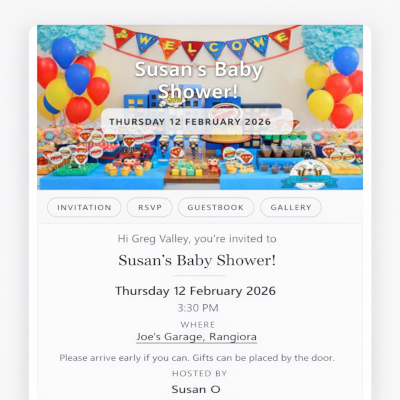
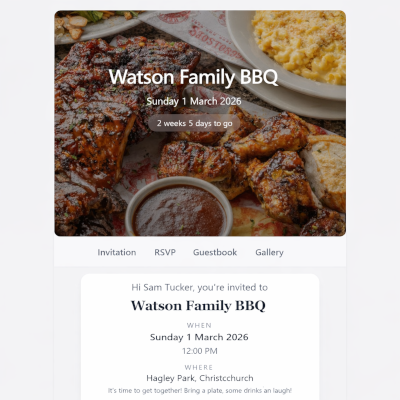
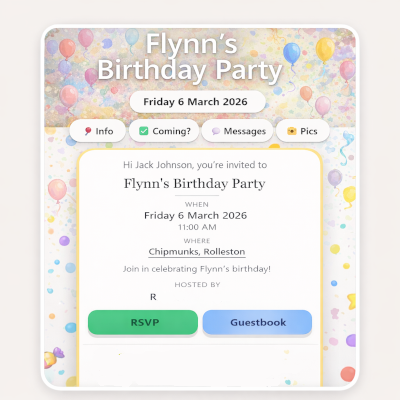
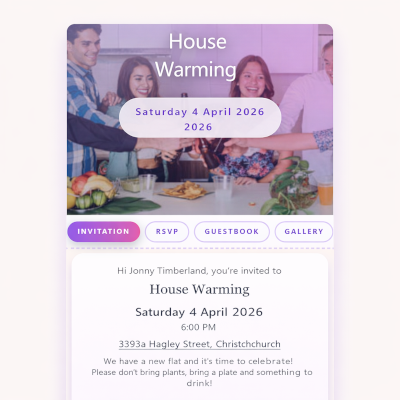
Another example with a different theme.
Hosted by Jonny Johnson
View and RSVP Favorites
Further example of ShareDay Event.
Hosted by Jonny Johnson
View and RSVP Favorites
This is an example of a ShareDay event.
Hosted by Jonny Johnson
View and RSVP Favorites
Community-led after-school care pod. Parents can RSVP their children, approved hosts rotate by session, and the confirmed location is shared after host assignment.
Hosted by Jonny Johnson
View and RSVP
A few local businesses helping people make more of the moments that matter.


Welcome to Crumb Castle, an indoor play venue where children can climb, explore and let their imaginations run wild. Our play spaces are designed to keep little...


Adventure Alley is a family-owned indoor playground, café and family hub in Rosedale on Auckland’s North Shore. Our spacious indoor play centre gives children room to climb, slide, explore and burn off energy—whatever the weather...


Welcome to Paris-Aimee Photography Hi, I’m Paris, the photographer behind Paris-Aimee Photography. I believe the most meaningful photographs are the ones that capture genuine connection, real emotion, and the little moments that often...


Messy Rainbows Kia Ora! Welcome to Messy Rainbows, a fun and inclusive messy and sensory play experience where children (and adults) can squish, scoop, create and let their imaginations run wild. Our sessions are designed to encourage...


A showstopper cake will have all your guests talking - not just about how amazing it looks, but how delicious it tastes! Whatever your event requires, Birdsong Kitchen has the skills to make your cake dreams come true.


Make Your ShareDay Partner Profile Work for You Your ShareDay Partner Profile is more than a business listing—it is a simple marketing page for your services, your brand...
ShareDay gives local event businesses a polished public profile where hosts can find, recommend and contact them. Manage your services, gallery, links and enquiries from your own partner login.
When your business is ready, you can also add a booking workspace to collect structured requests, manage availability and keep booking details together—without changing the way every customer interacts with you.
For selected bookings, venues and hosted experiences can offer a private ShareDay planning space so customers can co-plan invitations, guests and RSVPs. You choose where that experience makes sense; your business remains in control of the booking and delivery. Apply to start with your free profile and we’ll help shape the right setup.
When your team needs a clearer delivery process, Event Checklists keep booking, Managed Event, vendor and offline tasks visible to the right people—with a clear record of who did what and when.
Fresh planning tips, guest ideas, and practical event shortcuts.
Explore a Surf’s Up, Punk Out surf birthday party with beach picnic decor, skate-inspired details, custom desserts, grazing tables and sandcastle fun. The post Surf’s Up, Punk O...
Read post
Kids birthday parties are meant to be fun. But for parents, they can quickly become a long list of jobs. Venue. Food. Cake. Entertainment. Decorations. Weather backup. Cleaning....
Read post
Planning a toddler birthday party can be exciting, but it can also feel like a lot. You want the party to be fun, easy, safe, age-appropriate, and special — without turning your...
Read post
Indoor Play for Kids in Auckland: Why Play Helps Children Learn, Move and Grow Kids are built to move, explore, test boundaries, use their imagination and connect with others. P...
Read post
Planning a kids party should feel exciting — not stressful. At Adventure Alley, we make it easy to create a party that feels fun, special, and memorable without parents having t...
Read post
Getting dressed can feel like a routine part of the day, but the right pair of socks can make it much more fun. Colourful socks give children an easy way to show their personali...
Read post
School holidays are great — until the rain arrives, the kids are bouncing off the walls, and everyone starts asking, “What are we doing today?” If you are looking for rainy day...
Read post
Planning a Halloween party for children? Fun games are one of the best ways to keep everyone smiling and excited throughout the celebration. The great thing about Halloween game...
Read post